
The whole of VegasNow in your phone browser
Nothing to download, no store listing, no updates to chase. Load the site in whichever browser your phone already uses, sign in, and the lobby, the cashier and live chat are all waiting.
- A$8,000 welcome package
- 500 free spins
- 8,000+ games









Why we build for the browser rather than an app store
VegasNow runs as a site instead of an installed application, and that is a deliberate choice rather than a gap in the plan. A browser build means nothing to download before your first spin, nothing eating space on a handset that is probably short of it already, and no waiting on a store update before a newly added game turns up in the lobby.
It also means one version of the site for everybody. The page you open on an iPhone, an Android handset, an iPad or a desktop is the same page, served to fit whichever screen asked for it. Your account, your balance, your bonus progress and your free spins follow you across all of them, because they live with the account and not with a device.
In practice that leaves two things to keep current: the phone's operating system, and the browser sitting on top of it. Most of our testing effort goes into current Safari on iOS and current Chrome on Android, although any up to date mobile browser will open everything we have. Nine times in ten, a page that lays itself out oddly belongs to a browser several years behind.
Pinning VegasNow to your home screen
Two taps give you an icon that behaves like an installed app, without installing anything.
On an iPhone or iPad
In Safari, tap the Share icon on the toolbar, run down the list to Add to Home Screen, then accept or edit the name offered. An icon appears beside your other apps and opens the site full screen, with no browser bars across the top.
On an Android phone or tablet
In Chrome, open the menu behind the three dots, then choose either Add to Home screen or Install app, whichever your version offers. The result is the same icon and the same full screen view.
Sign in the once
Open the icon, sign in, and the session stays alive between visits in the ordinary way. A long press on the icon lets you rename it or drop it into a folder with everything else you use on a phone.
Remove it whenever you like
It is a shortcut rather than an application, so deleting it takes away an icon and nothing more. No data is left sitting on the handset, and your account is untouched either way.
What works on a handset
Everything the desktop site does, with a few notes on where a small screen changes the feel of it.
The full lobby, all 8,000+ games
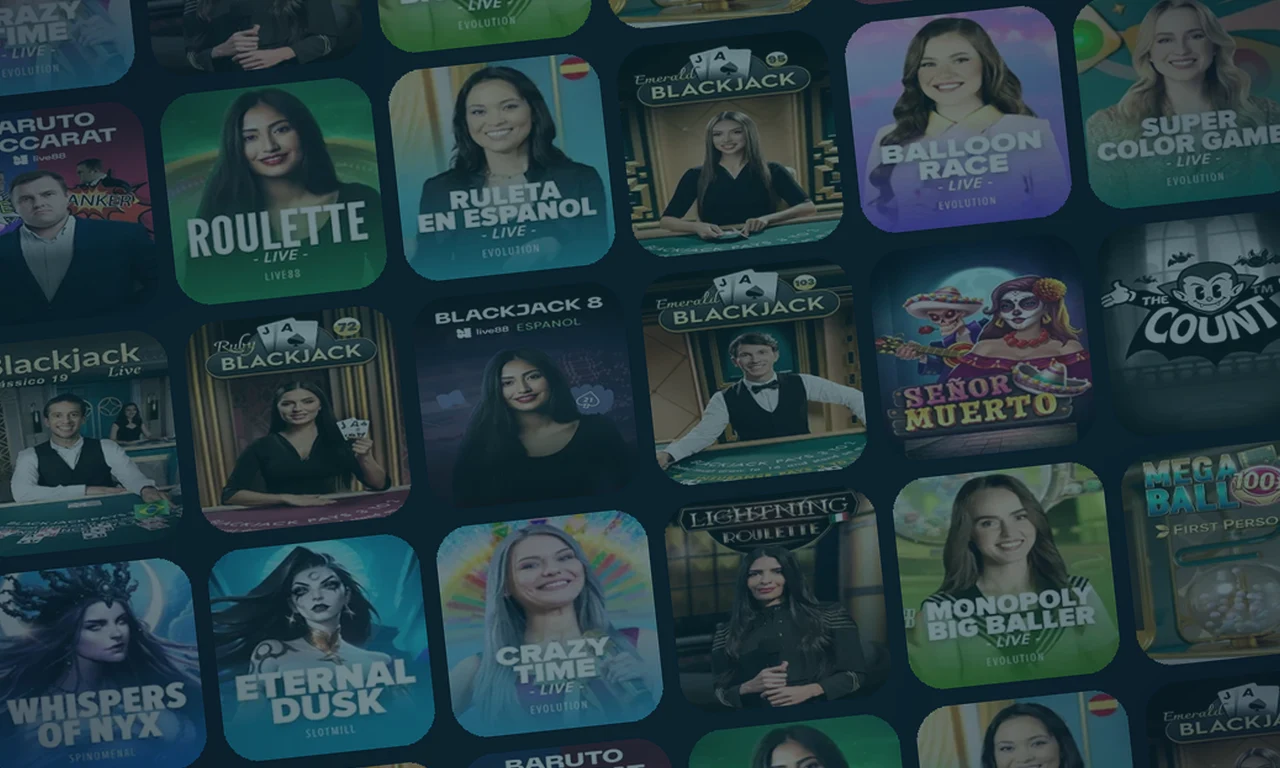
Pokies, studio tables with live dealers, the usual table games, instant win titles and sportsbook markets are all present. Search and filters sit behind a single tap, and portrait reels are the norm rather than the exception.
The entire cashier
Cards, bank transfers, e-wallets, prepaid vouchers and coins going in, and the same door coming back out. Approving a bank payment is quicker on a phone than anywhere else, because your banking app is already sitting on it.
Live dealer tables in portrait
Studio tables stream to a handset and the betting layout rearranges itself for the screen. These are continuous video, so they want a steadier connection than a reel game does.
Live chat, 24 hours a day
The chat panel opens over whatever you were doing and keeps its history, so you can slip back to a game while you wait for an answer.
Limits and account tools
Caps on deposits, time outs and every other responsible gambling control sit in the same account menu on a phone as on a desktop. Nothing here is desktop only.
Signal, battery and the practical side of playing on a phone
Reel games move tiny amounts of data about, so a bar or two of signal is rarely a problem. A studio table is live video running without a break, and the stall that arrives exactly when you have a decision to make is the one that truly irritates. Given the choice, play the dealers on Wi-Fi and leave mobile data for the reels.
Sound and animation draw more power than a page of text, and streamed video draws more again. Silencing a game, easing the brightness down and shutting the other tabs you forgot about will stretch a long session much further than anything we could switch on at our end.
Losing signal halfway through a spin matters far less than it appears to. Rounds resolve on our servers rather than on the handset, so an outcome that was reached gets paid whether or not the reels finished turning on your screen. Reopen the game and the balance already shows it. A live table will seat you again if the round is still running, or leave the result in your history if it has moved on.
Open the cashierBefore a long session on a phone
A quick pass through these saves most of the small annoyances before they start.
- Your browser is up to date, and so is the phone's operating system.
- You are on Wi-Fi if live dealer tables are the plan for the evening.
- Battery saver is off mid session, since it throttles animation and can make a perfectly healthy game feel broken.
- You have signed in rather than browsing as a guest, so bonus progress and free spins are tracked against your account.
- A deposit cap is in place, or you have deliberately decided to go without one. A phone is the easiest place of all to top up without thinking about it.
- Autoplay is set the way you want it, because a pocket is an easy place to leave a game quietly running.
- You know free spins belong to the account rather than a gadget, so 40 a day for five days can be played wherever you happen to be.
Mobile questions we are asked most
Short answers on playing from a phone or a tablet.
Is there a VegasNow app to download?
No, and none is needed. The site runs in full inside a mobile browser, and pinning us to a home screen hands you an icon that behaves the same way with no download involved.
Which phones and tablets work?
Any reasonably recent iPhone, iPad or Android device with a current browser. Safari and Chrome get the bulk of our testing.
Are all 8,000 games available on mobile?
The lobby is the same lobby. A handful of older titles were built for a landscape screen and feel better on a tablet, and the game will tell you when it would rather be turned sideways.
Can I deposit and cash out from my phone?
Yes, the whole cashier is there. Card, bank transfer, e-wallet, prepaid service or coin on the way in, and the same route on the way back out.
Does mobile play use much data?
Pokies use very little. Live dealer tables are video and use a good deal more, so Wi-Fi is the sensible choice for a long evening at the tables.
What happens if my connection drops during a spin?
The round is settled on our servers, so a completed result is credited regardless of what your screen managed to show. Reopen the game and the balance will be correct.
Do free spins work on a handset?
Yes. Your 200 welcome spins land in batches of 40 across five days, and any device can play them. Our free spins page carries the terms.
Playing from your phone tonight?
Sign in, add A$20 or upwards, and a 150% match up to A$1,500 with 200 free spins is applied before the first reel turns.
Where to next
Pokies on a small screen
Portrait reels, Megaways and jackpot drops, all playable with one thumb.
→Live tables in portrait
Studio roulette, blackjack and game shows, streamed straight to a handset.
→Deposit from your phone
Every route in the cashier, from A$20, with no fee from our side.
→Sign in
Where the panel lives, plus a checklist for when access will not cooperate.
→Ask us anything
Live chat opens over the game you were playing and keeps the history.
→